

 4.7
4.7




About Canon PRINT
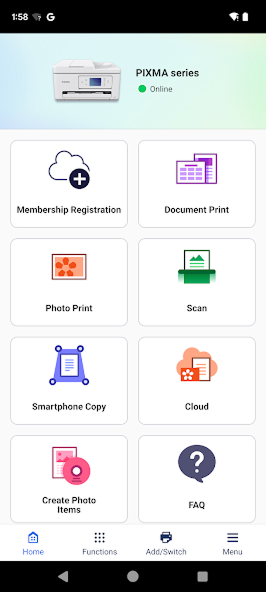
Canon PRINT is a mobile app to bridge smartphones and tablets with Canon printers through which wireless printing and scanning processes can be simplified. This companion application is no-cost to use on both iOS and Android and does not need any computer printing solutions. This application supports various Canon printer models, starting from consumer PIXMA inkjet printers to the professional series imagePROGRAF and business imageCLASS laser printers.
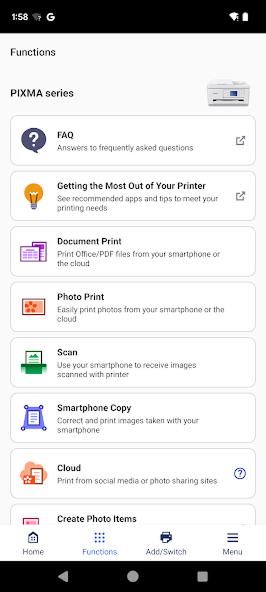
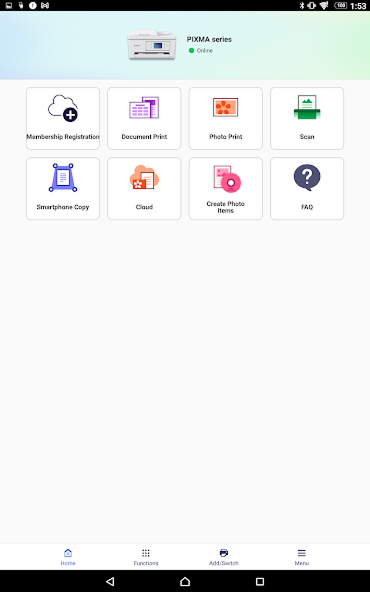
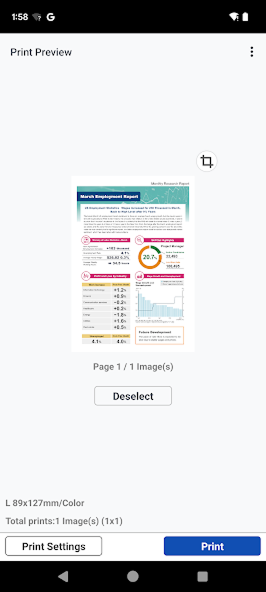
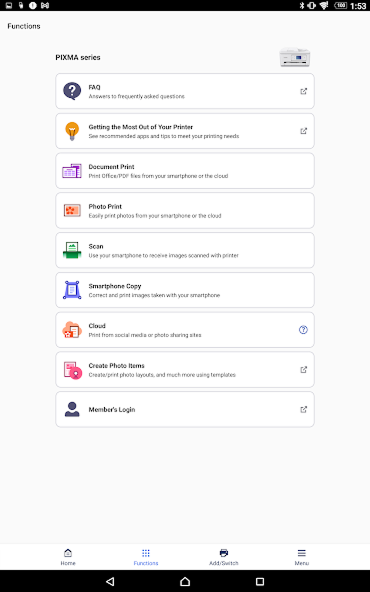
The application has three key features namely, document and photo printing, scanning to mobile devices, and remote control of the printer settings. Users are able to print files that are locally stored, use cloud computing such as Google drive and one drive or even use their smart phone camera to capture documents. The wireless printing will allow the user to print anywhere within the WiFi range, which is convenient and flexible in terms of mobile workflow.
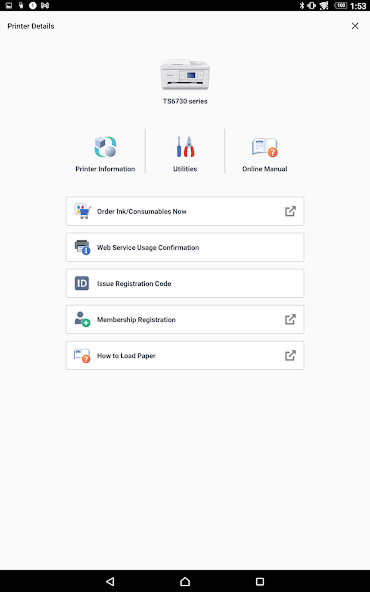
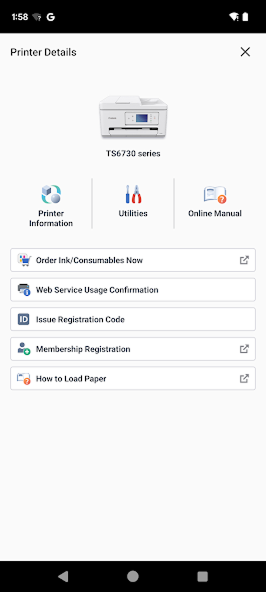
Remote printer operation is a big feature that allows users to operate their printer's interface from their smartphone without actually physically walking to the device. In particular, this is useful when somebody shares an office or has printers positioned remotely. The app also includes consumable level monitoring that lets the user know about ink supplies to avoid unexpected printing stops.
It contains basic document editing, such as cropping, rotating, and resizing. The copy feature uses the device's camera to instantly digitize physical documents onto your smartphone. For multi-printer setups, the application allows the registration of multiple devices into its framework to help with easier operations when there is diversity in printing needs.
With all of these conveniences come some major limitations through users' feedback. The most consistent complaint revolves around network connectivity, especially from Android devices. Users constantly report that it cannot find a printer despite having compatible equipment. Setting up initial connections can often only be established by manually setting an IP address, turning the supposed smooth wireless experience into hour-long troubleshooting sessions. Some users documented spending hours attempting reconnection after router updates or network configuration changes.
Another major concern is application stability. The app hangs and crashes quite frequently in photo printing sessions, especially when the user has to deal with several print jobs consecutively. The transmission of PDF files leads to noticeable quality degradation of the documents, ultimately resulting in blurry printed output that lacks original document clarity. The issues become more compounded when there is need of printing high-resolution documents that demand accuracy.
The user interface design is criticized on its unintuitive and disorganized nature. Users find it hard to find simple printing options and the few customization settings are a pain to more advanced users who want to obtain particular settings. The application cannot directly print files from certain applications, like Pages, without first converting the format; this involves extra steps in your workflow.
Heavy usage tends to cause performance issues. File uploads are rather slow, especially for big documents and high-resolution images. Editing options are pretty basic when compared with professional photo editing apps, which altogether constrains creative possibilities. Onboard troubleshooting resources are very limited, and resolving connectivity issues can often be a problem.
Not all Canon printer models grant access to all functions; some lack scanning capability or do not support remote operation. The permission requirements of photo access also sometimes raise denial errors that prevent users from printing stored images. Such imbalance between printer and Android versions makes for very unpredictable experiences.
To sum up, Canon PRINT has basic mobile printing functionality for users with simple needs and compatible newer Canon equipment. Casual users like the free price, broad printer support, and integration with the cloud. Still, persistent connectivity issues, stability issues, and various design faults mean it's unsuitable for those users who need reliable daily printing or are accustomed to better applications. Success depends mostly on equipment compatibility and user tolerance for network troubleshooting.


Features of Canon PRINT
Auto-discovery of network printers provides seamless wireless setup for devices.
Color and grayscale printing modes provide document and photo flexibility.
Cloud storage integration directly supports Google Drive, OneDrive, and iCloud.
Remote printer control directly accessible through a smartphone without touching the device.
Photo capture function of the smartphone camera enables instant document scanning capability.
Printing photos without borders creates professional-quality prints for use with personal photography.
Consumable ink level monitoring provides low supply notifications instantly always.
Scanning cloud services allow documents to be delivered directly into user accounts.
Multi-printer support manages household or office multiple device printing operations.

Pros
Enterprise Efficiency: Streamlines document workflows for business and home office environments.
Universal Compatibility: Supports a vast library of Canon hardware from inkjet to laser class devices.
Zero-Latency Wireless: Optimized protocols for instant local network discovery and data transmission.
PC-Free Operation: Full administrative control over printer maintenance without requiring a desktop driver.

Cons
Setup Complexity: Initial configuration may require basic knowledge of local network permissions (IP/DNS).
Firmware Requirements: Older printer models may need a firmware update to unlock full remote management features.
Network Dependency: Requires a stable 2.4GHz/5GHz Wi-Fi environment for optimal wireless bridging.
Ratings
This number is based on download statistics from Google Play and may include historical data.